
Highlights
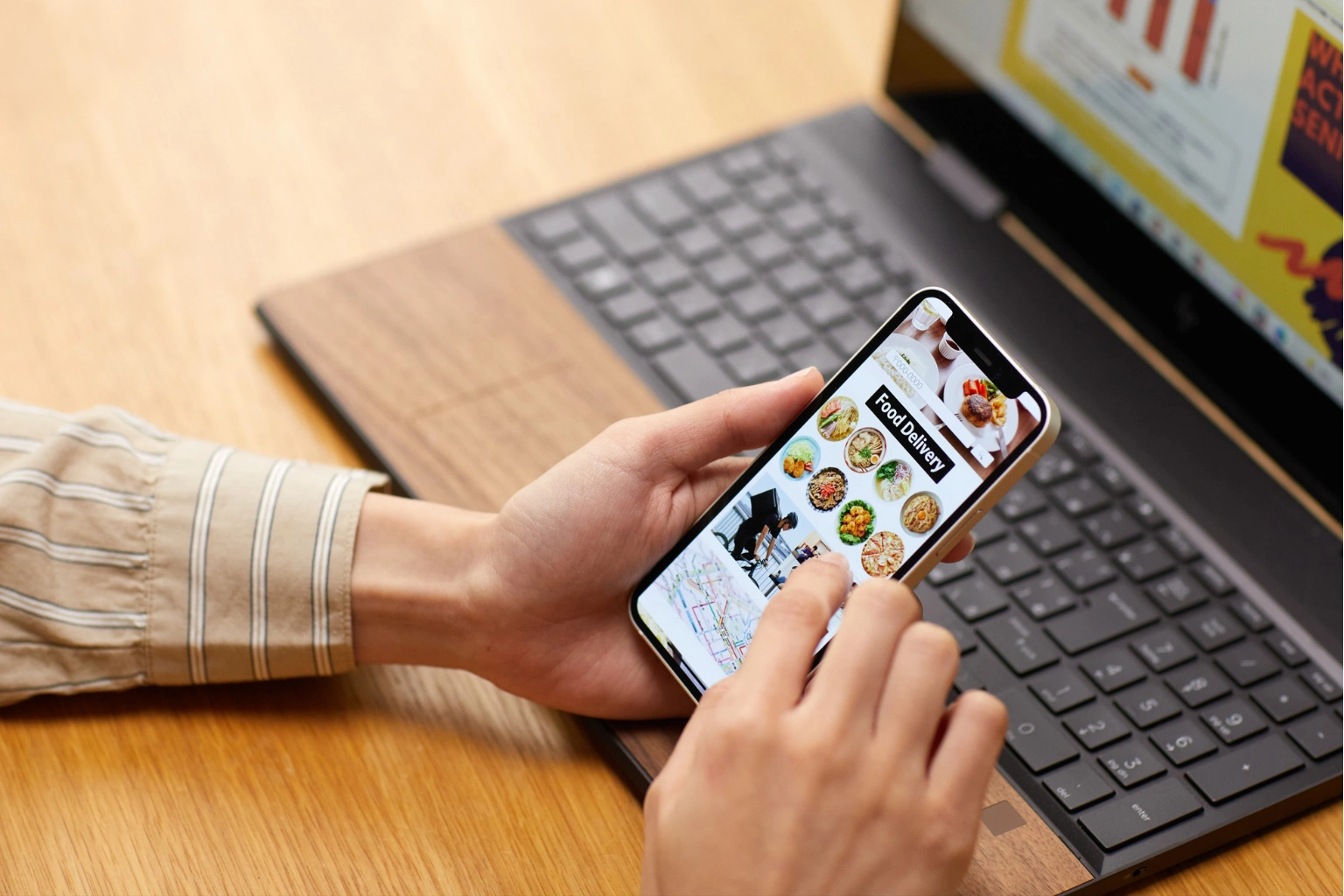
We live in a world where technology touches just about everything, and that’s not always a bad thing, especially if you’re trying to stay on top of your health as you get older. Nutrition apps for seniors have quietly become some of the most practical health apps available for managing diet, medications, and grocery shopping without the need for a nutritionist on speed dial.
The best part? A lot of these apps are genuinely simple to use. A few taps and you’re logging a meal, setting a medication reminder, or building a shopping list that actually reflects what your doctor told you to eat. For older adults looking to stay healthy and independent, that kind of convenience matters. And for anyone focused on making smarter food choices day to day, having the right tools in your pocket can make all the difference.
At their core, nutrition apps are digital tools that help you manage what you eat. They let you track your food intake, check nutritional values, and set goals around your diet. For seniors specifically, the right nutrition app can take something that feels complicated, like making sure you’re hitting your protein targets every day, and turn it into a manageable, even satisfying habit. Understanding your protein requirements as a senior is a great first step before diving into any tracking app.
The better apps come with clean, readable interfaces that don’t require a tech degree to figure out. You shouldn’t have to squint at tiny text or wade through confusing menus just to log your lunch. Whether you’re looking for a calorie counter, a macro tracker, or a full nutrition tracking app, there’s something out there designed with ease of use in mind.
There are quite a few reasons why these apps can make a real difference for older adults. Tracking what you eat builds awareness, and you start to notice eating habits you might not have picked up on otherwise. And for seniors managing chronic conditions like diabetes or heart disease, that awareness isn’t just helpful, it can be genuinely health-changing.
Protein intake is a good example. Many seniors don’t get enough, and the consequences, including muscle loss and slower recovery, can be serious. A nutrition tracking app that monitors your daily protein makes it easy to spot when you’re falling short and do something about it. Calorie tracking is equally valuable, helping you understand whether your daily calorie intake aligns with your health and weight loss goals.
There’s also something to be said for the independence angle. Being able to monitor your health without leaning entirely on a caregiver or family member is empowering. These apps hand that control back to you, helping you reach your goals on your own terms.
Food tracking is the backbone of most nutrition apps. You log what you eat and drink throughout the day, and the app does the work of breaking down the nutritional content. But it’s not just about calories. It’s about understanding whether you’re actually getting the vitamins, minerals, and macronutrients your body needs. Good food logging habits, built over time, can genuinely shift how you think about what goes on your plate.
Good meal tracking apps come with some of the largest food databases available, which means you’re not stuck manually entering every ingredient. You search, you find, you log. The barcode scanner feature found in many apps makes this even faster. Simply scan the barcode on a packaged food item, and the nutritional information populates automatically. Simple, accurate, and a real time-saver.
This one’s a big deal. Missing medications is surprisingly common among seniors, and the health consequences can be significant. Many nutrition apps now include built-in medication reminders that alert you when it’s time to take your pills. It’s also worth being aware of how certain foods can interact with your medications, something a good nutrition tracker can help you stay mindful of.
By combining dietary tracking with medication management, these apps offer a more complete picture of your daily health routine. Everything stays in one place rather than scattered across sticky notes and separate calendars, making it easier to track your progress and stay consistent.
Grocery shopping with dietary restrictions can feel like a puzzle you didn’t ask to solve. Nutrition apps that include grocery list features take a lot of that friction away. You can build your list right inside the app, based on what you actually need for your health goals, and head to the store knowing you’re buying the right things. Pairing this with solid meal planning habits can transform your week. For a deeper look at how to approach this, the guide on meal planning as a single senior is well worth reading.
Good meal planning also opens the door to healthier eating overall. When you know what you’re cooking ahead of time, you’re far less likely to reach for something convenient but nutritionally poor.
MyFitnessPal is probably the most well-known nutrition tracking app out there, and for good reason. Its food database is enormous, making it one of the largest food databases available to users anywhere. Finding and logging meals is fast and accurate, and the interface is friendly enough for someone who’s never used a nutrition app before. There’s also a community feature that can provide a bit of motivation when you need it, along with in-app tools for setting nutrition goals and tracking macronutrient intake.
Goals with MyFitnessPal are easy to customize. Whether you’re focused on calorie counting, macro tracking, or simply building healthier eating habits, the app adapts to your needs. If you’re just starting with food tracking, this is a solid place to begin. It’s available on both iOS and Google Play, and free versions offer plenty of functionality for most users.
Don’t let the weight-loss-focused name put you off. Lose It! is just as useful for general nutrition tracking and building awareness around daily food intake. The design is clean and straightforward, and you can set personalized goals based on your specific dietary needs. One particularly handy feature is the barcode scanner, which lets you log packaged foods in seconds rather than typing everything out manually.
The app also supports calorie tracker functions, water tracking, and even an intermittent fasting tracker for those following time-restricted eating approaches. It’s one of the best nutrition apps for seniors who want flexibility without complexity.
For seniors who want detailed nutrient breakdowns, Cronometer is worth a look. It goes beyond basic calorie counting to show you micronutrient data, which is particularly useful for older adults focused on heart health, bone density, or managing specific deficiencies. It functions as a reliable nutrition tracker with a user-friendly layout and supports low-carb and keto diet plans as well.
Medisafe was built with medication management in mind, and it shows. The app sends reminders when it’s time to take your medications and can even alert a family member or caregiver if a dose gets missed. The text is large, the layout is clear, and the whole experience is designed to be approachable rather than intimidating.
For seniors who take multiple medications, this kind of organized, reliable system can be a real relief. It integrates well with broader health and fitness routines, making it a natural companion to whichever food tracker or nutrition app you’re already using.
Pill Reminder keeps things refreshingly simple. You set your alarms, track your doses, and the app handles the rest. It also provides nutrition information about potential medication interactions, which is genuinely useful for anyone managing a complex health regimen. For seniors juggling multiple prescriptions alongside specific diet plans, having this kind of support in a single app is a practical advantage.
Out of Milk is a grocery list app that does exactly what you’d want it to. It lets you build and manage your shopping list in one place, add items whenever they pop into your head, and organize everything by store section so your trip is as efficient as possible. No more wandering back to the produce aisle because you forgot something. It’s a straightforward, no-fuss tool that fits naturally into a broader approach to healthy eating.
AnyList takes things a step further by syncing across multiple devices. That means a family member can add items to your list from their own phone or help with meal planning remotely. You can also browse recipes within the app and filter them by dietary needs, which makes planning a week’s worth of meals a lot less overwhelming. For seniors interested in healthy recipes that align with their nutritional goals, this in-app functionality is a genuine bonus.
It’s also worth knowing that seniors in certain states can access programs that support healthy food purchases. Pennsylvania residents, for example, may benefit from the Farmers Market Nutrition Program, which helps older adults access fresh, locally grown produce.
Nutrition doesn’t exist in a vacuum. Physical activity plays a major role in how your body uses the food you eat, and the best health apps recognize that connection. Many fitness apps now include food and fitness tracking in a single platform, giving you a complete picture of your health data in one place.
Fitbit, for instance, is well known as one of the leading fitness trackers, but its companion app also supports food logging, water tracker features, and calorie tracking. Syncing your activity level with your food intake gives you a much more accurate view of your overall health and wellness. Google Fit offers similar integration, particularly for Android users, and works well alongside other nutrition tracking apps.
For seniors who want to stay active and eat well, combining a reliable food tracking app with one of these fitness trackers can be a genuinely effective strategy. The two work better together than either does alone.
Different seniors have different health goals, and the best apps for seniors reflect that variety. Some people are focused on managing weight, others on supporting heart health, and still others on maintaining energy levels as they age. The right nutrition tracking app should flex to meet those individual needs.
For those following a keto diet or low-carb eating plan, apps with strong macro tracking features are essential. For seniors practicing intermittent fasting, a dedicated fasting tracker within the app can help maintain consistency. And for anyone focused on hydration, a built-in water tracker ensures that water tracking doesn’t get overlooked in the daily routine.
Many of these apps are free to download, with free versions offering enough features for everyday use. Premium subscription options are available for those who want advanced tools, detailed reports, or ad-free experiences, but most seniors will find that the free trial period gives them more than enough to decide whether an app is the right fit.
Not every app is the right fit for every person. If you’re managing diabetes, you’ll want something that lets you track carbohydrate and macro intake closely. If heart health is the priority, sodium tracking might matter more. The best nutrition apps allow for this kind of personalization, so you’re not stuck with a one-size-fits-all setup.
Think about what you actually need day to day. Are you primarily interested in food logging, or do you also want medication reminders and grocery list support? Do you want to track your physical activity alongside your food intake? Answering these questions honestly will help narrow down your options considerably. A registered dietitian can also be a valuable resource when it comes to identifying which features matter most for your specific health situation.
Ease of use isn’t a nice-to-have for apps for seniors; it’s a must. An app with tiny text, confusing menus, or too many steps to log a simple meal will end up abandoned after a week. Look for larger text options, voice command support, and a layout that makes sense without a lengthy tutorial.
The apps that stick are the ones that feel natural to use after just a few days. In-app guidance, clear icons, and minimal clutter all contribute to a better experience. When evaluating health apps, pay attention to how the food database is organized and whether the barcode scanner works reliably. These small details add up quickly when you’re using the app every day.
Setting up a nutrition tracking app for the first time doesn’t have to be stressful. Most apps walk you through the basics, including entering your dietary preferences, setting health goals, and understanding the main features, before you ever log your first meal. Take your time with it. There’s no rush.
If you have a family member who’s comfortable with technology, having them sit with you for the initial setup can make the whole process feel a lot smoother. Many seniors find that once they’ve logged a few meals and seen how the app works, their confidence grows quickly. The goal is to reach a point where tracking your intake feels like second nature rather than a chore.
If you hit a snag, most apps have help resources built right in, including tutorials, FAQs, and user forums. These can be surprisingly useful for answering common questions and picking up tips you might not have discovered on your own. Some apps also offer in-app chat support or links to community groups where users share healthy recipes, strategies for healthier eating, and advice on getting the most out of specific features.
For seniors who are new to this kind of technology, starting with one app and learning it well is far more effective than downloading several and feeling overwhelmed. Pick the one that best matches your health goals, commit to using it for a few weeks, and see how it fits into your routine.
What are the best nutrition apps for seniors?
That depends on what you need most. MyFitnessPal is a strong choice for comprehensive meal tracking and macro tracking, while Lose It! is excellent for calorie counting with a clean, user-friendly interface. Cronometer works well for detailed nutrient tracking, and Medisafe is a top pick for medication management.
Are there user-friendly options available?
Absolutely. Apps like Lose It! and Out of Milk are designed with simplicity in mind, making them accessible even if you don’t consider yourself particularly tech-savvy. Most of the best nutrition apps for seniors prioritize clear layouts and straightforward navigation.
How can I get help with setup?
Most apps include tutorials and customer support options. A family member can also be a great resource. Sometimes, having someone walk you through it once is all you need to feel comfortable moving forward on your own.
Are these apps free to use?
Many apps are free to download, with free versions covering the core features most seniors need. Premium subscription upgrades are available for those who want additional functionality, but a free trial is usually enough to determine whether an app is worth the investment.
Nutrition apps aren’t just a passing trend for older adults. They’re becoming a genuine part of how seniors manage their health day to day. Whether it’s keeping tabs on what you’re eating, staying on top of medications, making smarter food choices, or making grocery shopping less of a chore, these tools can take a lot of the guesswork out of healthy eating.
The technology keeps improving, and the apps keep getting easier to use. Fitness trackers, food journals, water trackers, and meal planning tools are all becoming more intuitive and more accessible for older adults. If you’ve been on the fence, now is a good time to pick one and give it a try. You might be surprised how quickly it becomes part of your routine, and how much better you feel for it.
The path to better health and nutrition doesn’t have to be complicated. With the right nutrition app in your corner, you have everything you need to set goals, track your progress, and build the kind of daily habits that support a longer, healthier life.
Written By Safia Sabry